
Framer
Design a live website on the canvas—motion and visuals really shine. No-code site design and publishing platform from layout to hosting.
Site Overview
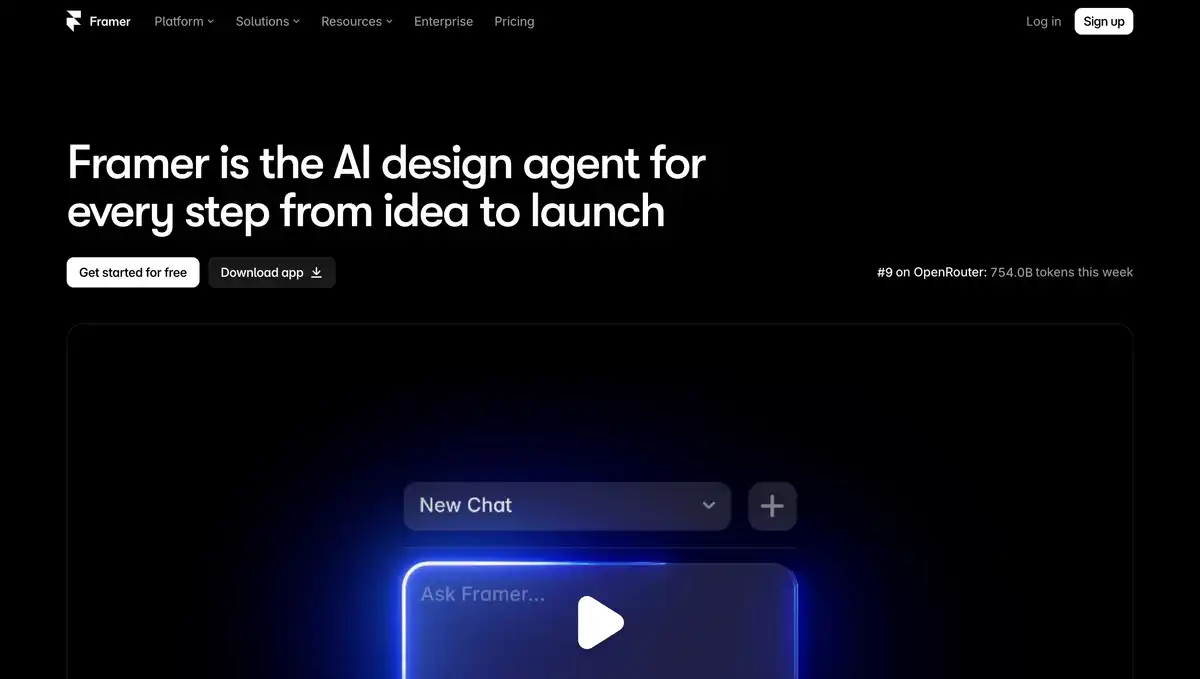
Framer is a design-oriented AI website builder / no-code site builder.
Its current main focus is the AI design agent: generate, iterate, and publish directly on the canvas.
Design, CMS, hosting, SEO, and analytics are bundled together, so it is not just about producing static mockups. For landing pages, portfolios, and startup websites, many teams choose it.
Core Features
1. AI Agent design and iteration
The Agent generates and fine-tunes layouts and copy directly on the site canvas.
Changes are visible and manually editable—it is not a black-box one-click site generator. It can also connect to external AI tools such as Cursor, Claude Code, and Codex to remotely modify the site and CMS.
2. Visual design + motion and interactions
A free-form canvas for building pages, components, and interactive animations.
It has a “designer building a website” feel, with a high visual ceiling for landing pages.
3. CMS, SEO, and hosted publishing
A built-in CMS manages blogs, case studies, and other content.
It includes SEO, localization, global hosting, and Analytics. Pro adds Staging and branch previews; Convert enables A/B testing, mostly as an add-on.
4. Collaboration and code extensibility
Editors, content editors, and read-only commenters collaborate by role.
Agent / code components can add custom effects and interactions. The community Marketplace has reusable templates, plugins, and components.
Pricing
The pricing page uses per-site plans, with monthly prices displayed. Additional editor seats are billed separately.
| Plan | Price (approx.) | Suitable for | Key limits (official) |
|---|---|---|---|
| Free | $0 | Trial, non-commercial use | Framer subdomain; about 1 GB bandwidth; about 500 AI trial credits; FAQ: up to about 3 editors per non-subscription workspace; custom domain requires upgrade |
| Basic | $10/month | Personal site, portfolio | Custom domain; about 2 CMS collections; about 50 GB bandwidth; about 1000 AI credits/month; about 30 pages |
| Pro | $30/month | Team/growth site | About 10 CMS collections; about 100 GB bandwidth; about 3000 credits/month; about 150 pages, with more available as add-ons; includes redirects, Staging, branch previews, etc. |
| Enterprise | Custom | Large-scale/compliance | Custom quotas, unlimited editors, SSO/SCIM, SLA, etc. |
Other common costs:
- Additional editors cost about $20/month; Viewers are free; content editors cost about $10/month
- Localization, Convert (A/B testing), and Advanced Hosting are Add-ons
- Free is more for non-commercial use; to remove Framer branding and connect your own domain, you usually need a paid plan
Pricing may change. Please refer to the website: https://www.framer.com/pricing/
Comparison with Similar Platforms
Unique Advantages
- Strong design feel: High freedom in motion and layout, suitable for brand-oriented landing pages.
- A single chain from design to launch: The canvas is the website, removing the step of “handing design files to front-end to rebuild.”
- AI Agent is natively integrated into the canvas, and external agents can also modify the CMS and release versions.
Practical Highlights
- Performance and hosting are well promoted, including Core Web Vitals, global CDN, and high availability.
- An active template and component community enables a fast cold start.
Objective Limitations
- Heavy business sites, complex membership e-commerce, and deep backend logic are often still less flexible than WordPress or custom stacks.
- AI credits, bandwidth, page count, and seats can stack up, making the bill higher than the apparent “$10/$30” price.
| Comparison Item | Framer | Webflow | Wix / Squarespace |
|---|---|---|---|
| Positioning | AI site building + design-oriented no-code | Professional visual site building | More mass-market site building |
| Design Freedom | High, strong motion | High, rigorous structure | Medium-high, more template-dependent |
| AI | Agent deeply tied to canvas/CMS | Has AI, with different focus | Has AI, more template generation |
| Suitable For | Designers, growth landing pages, portfolios | Marketing sites, teams with more complete design systems | Small businesses, quick site launches |
FAQ
Q1: Can I officially launch a site with Framer for free?
A: You can publish it on a Framer domain for trial. The FAQ positions Free as more for non-commercial use. For a custom domain and more complete commercial capabilities, you generally need Basic or Pro.
Q2: What is its relationship with Figma?
A: Figma is more about design collaboration and producing mockups. Framer is for directly producing an accessible website. Some people migrate from Figma, but Framer is positioned as a site-building platform, not a pure design tool.
Q3: What are AI credits?
A: They are the quota that drives AI features such as Agents and localization. Free includes trial credits; Basic and Pro provide monthly credits, and more can be purchased as add-ons. Credits are shared across the workspace.
Q4: How do I choose between Basic and Pro?
A: For a personal portfolio or small site, look at Basic. For Staging, branches, larger CMS/bandwidth, and team marketing sites, look at Pro.
Q5: Will it generate a code site that I cannot modify?
A: The official emphasis is that Agent changes are visible and editable on the canvas. Complex customizations may still require understanding the component or code layer.
Q6: Is it suitable for blogs and multilingual sites?
A: Yes. It has a CMS. Localization can be used for multiple languages, often as an add-on billed per locale.
Q7: How is billing handled when a team works together?
A: Plan pricing is per site; additional editors cost about $20/month per seat. Viewer comments are generally free. Enterprise plans can include unlimited editors and security/compliance features.