
Canva
Posters, resumes, social graphics—without opening Photoshop? This makes it painless. An Australian-born online design platform with drag-and-drop templates, plus video and AI tools; free at the core, Pro for premium assets and features.
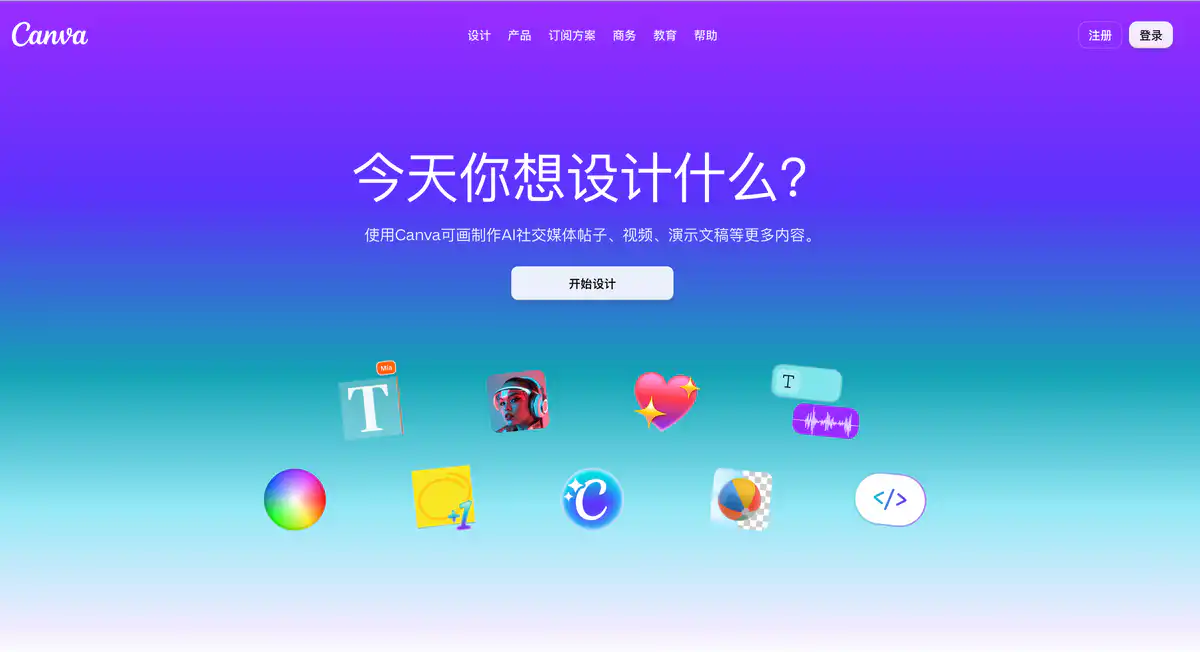
Site Introduction
Canva is an online design tool that lets you create graphics by dragging and dropping. Make posters, post on social media, edit short videos, and create presentations without needing to learn Photoshop.
There are plenty of templates; just change the text and images and you're ready to publish. The free forever personal plan is quite capable, and it's most used by content creators, small businesses, and students.
Core Features
1. Massive template library — even beginners can create decent-looking materials
1.6 million+ free templates (3.6 million+ in the paid version), covering Instagram posts, Xiaohongshu covers, flyers, business cards, presentations, and more.
Pick a size, change the copy and images, and get it done in minutes. Ideal for high-frequency needs like poster design and social media graphics.
2. Magic Studio / Canva AI — AI helps you write copy, remove backgrounds, and generate images
Magic Write writes headlines and copy; Background Remover removes backgrounds with one click; Canva AI can also generate images, short video clips, and interactive pages.
Canva AI 2.0 supports conversational editing and is available on Pro and above. AI usage is measured monthly; the free version is tight, while paid versions are much more generous.
3. Brand Kit — manage brand colors, fonts, and logos in one place
Starting from Pro, you can create a Brand Kit to lock in brand colors, fonts, and logos. When making a series of materials, it's less likely that "every image looks different."
The Business version has stronger brand controls, suitable for small teams to unify their visual identity.
4. Visual Suite — not just graphics, but also documents, whiteboards, and video editing
In the same account, there are also Canva Docs, Whiteboards, Presentations, Video, Website, and more.
From brainstorming to final publication, marketing materials can be connected in one platform without switching between software.
Pricing Model
Yes, and it's free forever.
Paid plans (USD)
| Plan | Annual billing reference | Storage | Best for |
|---|---|---|---|
| Free | $0 | 5 GB | Occasional personal design |
| Pro | About $144–180/year | 100 GB | Individual creators, freelancers |
| Business | $250/person/year | 500 GB | Small teams, brand/marketing |
| Enterprise | Contact sales | 1 TB | Large enterprises, need SSO, etc. |
Special free plans
- Canva Education: 100% free for K-12 teachers and students and eligible school institutions, including most Pro features.
- Canva for Nonprofits: registered nonprofits can get Pro features + team collaboration for free, up to 50 people.
Pricing may change; please refer to the official pricing page: https://www.canva.com/pricing/
Comparison with Similar Platforms
Unique advantages
- Extremely low barrier to entry: drag-and-drop + templates, even zero-based design can produce work on the same day, much friendlier than PS/AI.
- Large asset ecosystem: the free version has millions of templates; Pro unlocks 141 million+ premium assets, saving a lot of time for content creator tools-type content.
- Multi-format output: one platform covers graphics, PPTs, short videos, and simple web pages, no need to buy separate software for each type of material.
Practical highlights
- Background Remover and Magic Resize adapt to multiple sizes with one click, especially convenient when posting to multiple platforms.
- Content Planner (Pro+) can schedule posts to some social platforms, making the workflow smoother.
Objective limitations
- Not a professional UI/UX tool: for app interfaces, design systems, and developer handoff, you still need tools like Figma.
- Free version AI and premium assets are limited: heavy AI image/video generation will quickly exhaust the monthly quota.
- Team pricing is per person: Business at $250/person/year adds up linearly; a 5-person team is $1,250/year with no publicly available volume discounts.
- Weak fine-grained control for print: complex layouts and professional print preflight are not as reliable as InDesign.
Comparison with similar tools
| Comparison item | Canva | Adobe Express | Piktochart |
|---|---|---|---|
| Ease of use | ⭐ Very easy | ⭐⭐ Easy | ⭐⭐ Easy |
| Free version | Free forever, fairly full-featured | Has free tier, some AI limited | Free version leans to infographics |
| Template count | 1.6 million+ (free) | Fewer, leans Adobe ecosystem | Infographics/data visualization |
| AI features | Magic Studio full suite | Firefly integration | Limited |
| Video editing | ✅ Built-in | ✅ Basic | ❌ Weak |
| Team collaboration | Starting from Business | Has team version | Has team version |
| Best for | Social media, marketing, general graphic design | Adobe users, lightweight design | Infographics, reports, data display |
FAQ
1. Is the free version of Canva enough for daily posting on Xiaohongshu / WeChat Moments?
Yes, it's enough. Free templates and basic editing are perfectly adequate, and exporting works fine. If you want premium assets, background removal, and higher AI quotas, consider Pro.
2. How to choose between Canva Pro and Business?
If you create content alone, Pro is enough. If you need to share Brand Kit, team folders, higher AI quotas, and ad data insights, go with Business. A Pro account cannot be shared by multiple people.
3. Can Canva and Figma replace each other?
Not really. Canva excels at quick graphics like posters, social media, PPTs, and short videos; Figma is for product UI design and developer collaboration. Don't count on Canva for app interfaces, and don't force Figma for event posters.
4. What happens when AI quota runs out?
After the paid version reaches the limit, Standard/Premium tools will have a short pause, and Ultra tools require waiting for the next month's reset. You can also upgrade to Business or purchase an AI Pass. The free version can only wait for the monthly reset on the 1st (UTC) or upgrade.
5. Can students/teachers use Pro for free?
K-12 teachers and students can apply for Canva Education, which the official promises is free forever. College students default to Free only; some universities have Canva for Campus that provides free Pro access, so check whether your school has enabled it.
6. Are there discounts for nonprofits?
Yes, there is a dedicated program. After verification through Canva for Nonprofits, teams (up to 50 people) can use the full Pro suite + collaboration features for free. Regular companies are not eligible.
7. What is the experience of using Canva in China?
There is a Chinese interface, and templates include both Chinese and English content. Servers are overseas, so large file uploads and AI generation can occasionally be slow. Access from China generally works but is not as stable as local tools; for important projects, it's recommended to back up source files locally.