
Discord
No more juggling chat apps for game night—spin up a server and keep voice, video, and text in one hangout.
Overview
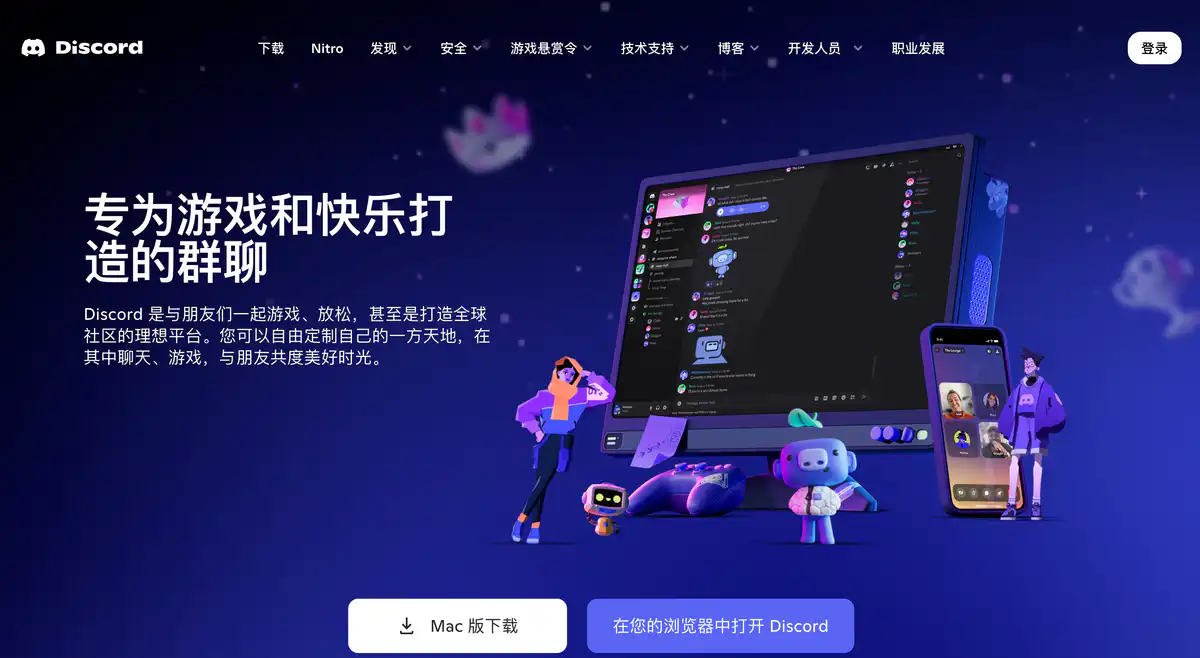
Discord is a group chat platform that combines voice, text, and community in one place.
Many people keep it running in the background for gaming sessions, classmate hangouts, and fan communities. You can create servers and use channels to separate chat, voice, and announcements.
Core Features
1. Servers and Channel Chat
Create servers based on your interests, then set up text, voice, and announcement channels.
Permissions and roles can be managed in fine detail.
2. Low-Barrier Voice and Screen Sharing
Voice rooms are drop-in and drop-out, like an always-open living room.
You can use screen sharing / Go Live to watch videos, work on code, or play games together.
3. Emojis, Stickers, and Personalization
Custom emojis, stickers, and soundboards help bring your group chats to life.
Friend statuses let you see who is online and what they are playing, with more detailed information for supported games.
4. Bots and Community Management
Bots can be added for welcome messages, verification, music, and event management.
Large communities also have Stage and similar stage-based features.
Pricing Model
Core features are free.
Common personal plans (US region):
- Free
- Normal chat, voice, and server creation
- Free uploads of about 20MB per file (officially increased in 2026; older references to 10MB may be outdated)
- Nitro Basic: about $2.99/month (annual billing often around $29.99)
- Wider use of custom emojis/stickers
- Uploads of about 50MB
- Nitro: about $9.99/month (annual billing often around $99.99)
- Uploads up to about 500MB
- HD streaming, longer messages, more server slots
- Includes 2 Server Boosts, with discounts on additional boosts
Prices are subject to change. Please refer to: https://discord.com/nitro
See also: https://support.discord.com/hc/en-us/articles/115000435108
Comparison with Similar Platforms
Unique Advantages
- Strong always-on voice room experience, great for gaming together and long hangouts
- Clear server + channel structure, allowing communities to grow from small groups to servers with tens of thousands of members
- Mature bot and permission system, offering plenty of room for custom features and community management
Practical Highlights
- Good cross-platform sync, making it easy to keep chatting on your phone after gaming on PC
- The Boost mechanism benefits the entire server, not just individual perks
Limitations
- Free upload limits are still relatively tight, so large files often require external cloud storage links
- The information flow is fragmented, and formal project management or approval workflows are not as strong as tools like Slack / Feishu
| Comparison Item | Discord | Slack | Telegram |
|---|---|---|---|
| Best Use Case | Gaming/interest communities + voice | Workplace collaboration | Lightweight chat + channel broadcasting |
| Voice Experience | Very strong | Adequate | Average |
| Free Usability | Core features are quite complete | Free tier has more limits | Very complete |
| Paid Features | Nitro / Boost | Per-seat enterprise plans | Premium personal enhancements |
FAQ
Q1: Do I have to pay for Nitro to use Discord?
No. Chat, gaming together, and creating servers are free and enough for most people. Nitro is more like an enhancement pack for larger uploads and better-looking or better-streaming features.
Q2: How is it different from WeChat/QQ groups?
It is more oriented toward themed servers and always-on voice, with clearly divided channels. Public communities and interest-based groups are more common, not just socializing among people you already know.
Q3: Can it be used as a business tool?
It can work for voice collaboration in small teams, but it lacks mature approval workflows, document collaboration, and enterprise compliance features. For serious office work, Slack / Teams / Feishu are more reliable.
Q4: What is Server Boost for?
It upgrades a server to unlock higher upload limits, more emojis, better audio quality, and more. Nitro usually includes 2 boosts, and additional boosts can be purchased separately.
Q5: Is it safe? Will I end up in strange servers?
The platform itself is widely used, but public servers can be a mixed bag. Don't click unknown links, enable privacy settings and two-factor authentication, and be careful about granting permissions in unfamiliar servers.
Q6: How do I choose between Nitro Basic and Nitro?
If you only want custom emojis and occasionally need to upload slightly larger files, Basic is enough. If you often stream in HD, upload large videos, or want boosts, choose full Nitro.